An all-in-one printer combines printing, scanning, and copying in a single machine, and many models also add fax and a sheet feeder. The main differences between them are the print technology (inkjet models tend to suit occasional home printing, while laser models are usually faster for lots of text), whether they print in color or black and white, and how the ink or toner is priced over time. Before you pick one, check the cost per page of replacement cartridges or toner, the paper sizes it handles, whether it connects over Wi-Fi or only USB, and whether it works with your phone or computer.
Dept 11
All In One Printers
All in one printers print, scan, copy, and often fax, all from a single machine that saves desk space
Product List
88 products · We may earn a commission from these links.


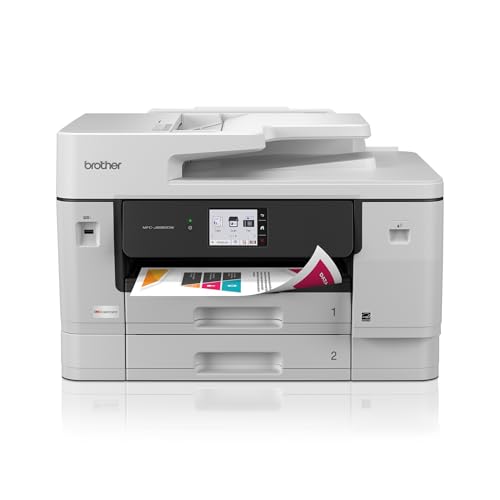


An all-in-one printer combines printing, scanning, and copying in a single machine, and many models also send faxes. Most are sized for a desk or a corner shelf, though larger office models need a dedicated spot. Before you buy, check the paper tray capacity, whether it prints in color or black and white only, and how much the ink or toner costs to replace over time.
If you print a few pages a week for school forms, recipes, or the occasional boarding pass, a basic inkjet model is usually the easiest pick. Busy households and small offices tend to do better with a laser model, which handles larger volumes and often has cheaper cost per page. Look for a built-in automatic document feeder if you plan to scan stacks of paper, and for wireless connection if several people will print from different devices.