Routers are the boxes that send your internet signal around your home, and this category holds wireless models for everything from small apartments to bigger houses with lots of devices. They differ mainly in speed rating, the number of antennas, and whether they support the newer Wi-Fi standards, so a basic model for browsing and streaming costs far less than one built for heavy gaming or many connected gadgets. Before you pick one, check which Wi-Fi standard it supports, how many devices you need it to handle, and whether it works with your internet provider's modem or includes its own.
Dept 11
Routers
Wi-Fi routers from budget-friendly models to faster options, so you can find a deal that fits how many devices you run at home
Product List
112 products · We may earn a commission from these links.

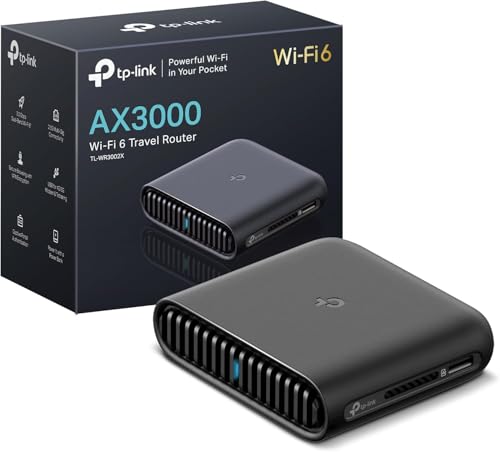


A router sends internet traffic from your modem to your devices, and most of the choice comes down to how many devices you run and how far the signal needs to reach. Look at the Wi-Fi standard it supports, since newer standards handle crowded networks better, and check how many rooms or floors your home covers. Single-floor apartments with a handful of phones and laptops usually do fine with a basic model, while large houses with many smart gadgets tend to need a stronger unit or a mesh system with extra nodes.
Pay attention to the ports, the antenna setup, and the admin software, because those shape daily use more than the box itself. Models with external antennas can often be repositioned for better coverage, and built-in-antenna designs look tidier on a shelf. Routers with a companion app make setup and parental controls simpler, which suits anyone who isn't comfortable with web admin pages. Keep the firmware updated and change the default admin password once you plug it in, since that small habit does more for security than most buyers expect.